
Resources:
Google ‘Keyboard Template’
What to do:
Download and print/laminate onto coloured paper a keyboard template of your choice.
You can then carry out a variety of activities with them, for example;


Google ‘Keyboard Template’
What to do:
Download and print/laminate onto coloured paper a keyboard template of your choice.
You can then carry out a variety of activities with them, for example;

- Students could create keywords using letters that connect (next to another letter)
- Blank out the letters and get students to practice typing
- Students can create E-Safety posters using the templates
- Students can annotate the keyboard with keywords linking to each letter and number
- Students can replace the shortcut keys with a key term/date/key point– context dependent learning- to help them revise/learn- See here.
Can you think of more? Leave a comment below?
Variations:
Print a keyboard template in another language? Get students to write the letters next to the keys?
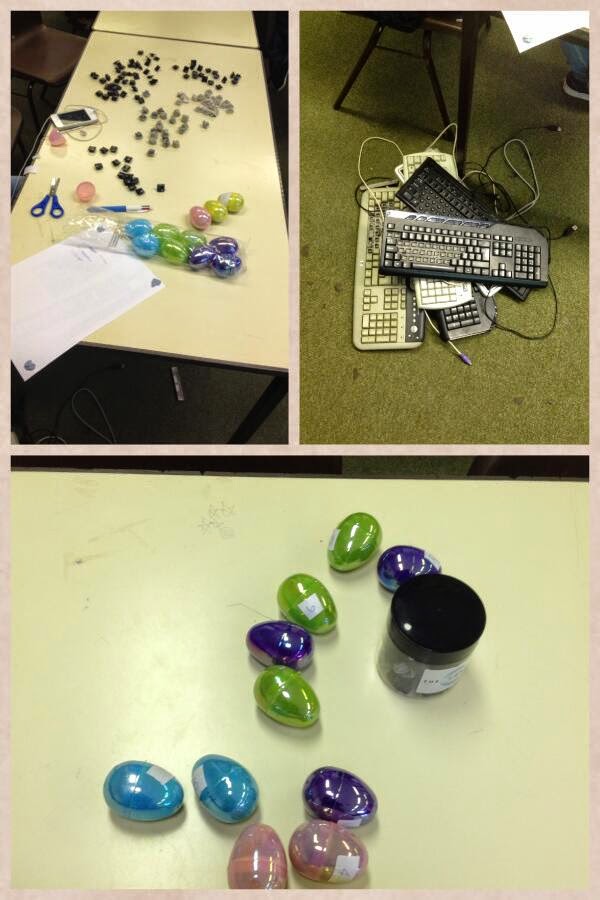
Check out this post- scrabble starters and how to recycle old keyboards.
[learn_press_profile]


